Signing up and signing in
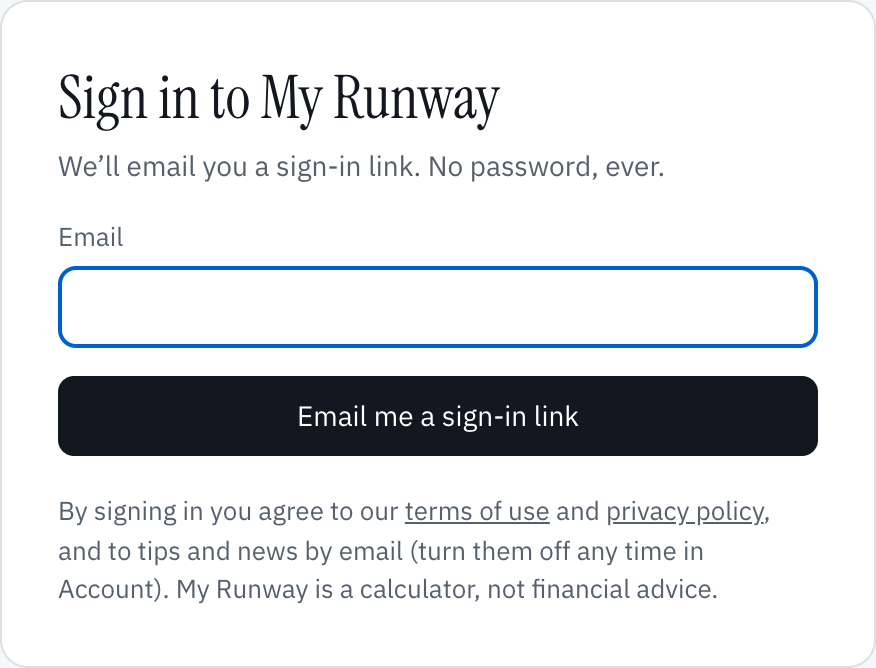
My Runway has no passwords. Type your email address at the app and choose Email me a sign-in link. Open the link in the email and you’re in; the tab you asked from signs in by itself. The link signs in only the browser you asked from, so a forwarded email or a mail system that opens links to check them gets nothing. The first time, that makes your account. Signing up from this site does the same thing, with your address already filled in: choose Email me a sign-in link to send it.
Your email address is your account, and it can’t be changed. To use another address, sign up with it as a new account.
Under the link is an eight-digit code. Choose Type the code instead and type it where you asked to sign in: that is for when the email is on another device, such as your phone, or the link opens in a browser you didn’t ask from.
The email hasn’t arrived
- It comes from [email protected]. Look in spam or promotions, and add the address to your contacts so the next one lands in your inbox.
- Check the address you typed: the screen shows it, and Use another address goes back to change it.
- The link and the code last five minutes and work once. Choose Send another for a new one.
- When sending is slow, the screen says so: the email may take a few minutes, and more than one may come. Only one of them works: if a link or code is refused, try another.
- A check that you’re a person runs as you ask for the email. It is usually invisible; if a box appears under the form, follow it.
Signing in on another device
Sign in with the same address and your plan is there: it is saved to your account, not to the browser. On a shared computer, choose Sign out on the account page (your initials, top right).
There is no Google or Apple sign-in yet.
Emails we send
Emails about your account and Plus always come. Signing up also turns on Tips and news about My Runway; turn it off under Emails on the account page, or from the unsubscribe link in any of them.
Still stuck?
Signed in? Choose Help at the top of the app, pick what it’s about and tell us what happened; it reaches us with the page you were on, and you get a copy. Otherwise write to [email protected]. We reply by email. Please don’t send passwords or account numbers.