A public link to your plan
In Settings, under Sharing, Share a public link makes a read-only copy of your plan at a link of its own. Anyone who has the link can open it without signing in and see the plan, including the names and figures in it, but can’t change it. Copy link to send it yourself; we don’t email anyone.
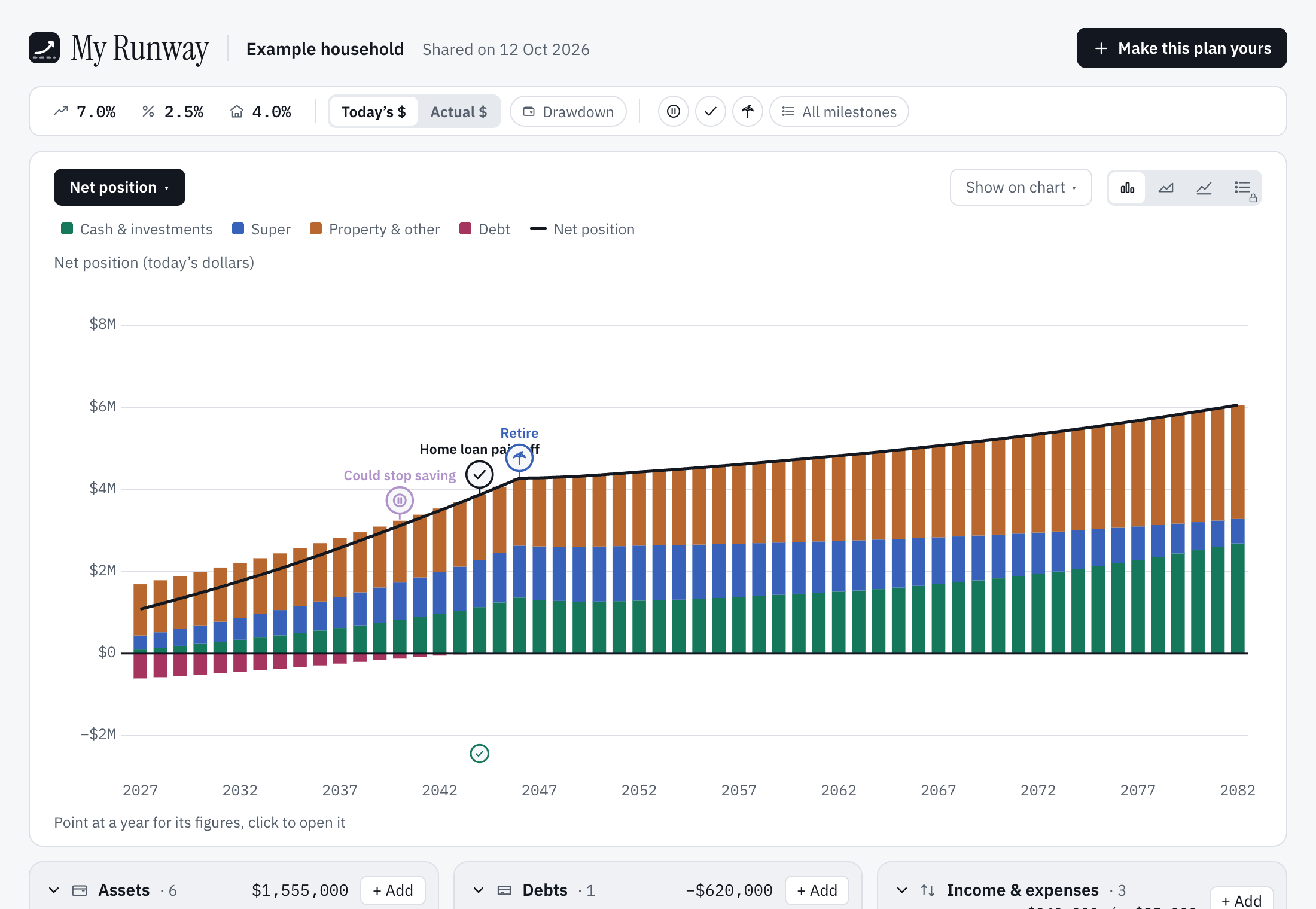
The copy is the plan and today’s balances as they were when you shared it, marked “Shared on” that day: no what-if, no progress history and nothing about your account. Changes you make afterwards aren’t in it until you choose Share again, which updates the copy behind the same link. An account has one link.
Turn off… ends it: anyone who opens the link is told the plan is no longer shared, and sharing again later makes a new link. Deleting the plan or your account turns it off too.
Opening one
The page always shows the free view, whoever opens it: features that are part of Plus show their padlocks, even in a Plus owner’s plan. Chart controls change only that page. Search engines are asked not to list it.
Make this plan yours, at the top, signs you up or in and copies the plan into your account to change. If you already have a plan, choose Keep my plan or Replace my plan; replacing can’t be undone. A plan that holds more than the free plan allows can be taken only on Plus, and the page says what is past the limits.
Still stuck?
Signed in? Choose Help at the top of the app, pick what it’s about and tell us what happened; it reaches us with the page you were on, and you get a copy. Otherwise write to [email protected]. We reply by email. Please don’t send passwords or account numbers.